🏠 Home Screen
Main site list with KPI cards, status indicators, and quick actions (Refresh, Alerts toggle, Logging toggle, Ping).



Learn how to use BeyondSite to monitor your websites
Get BeyondSite from the App Store. The app is free to download for iPhone and iPad. An Android version is coming soon.
Tap the input field at the top, enter a domain (e.g. example.com), and tap Add. BeyondSite immediately starts monitoring your site with all 5 phases.
Green status = Up, Red = Down. Tap any site card to see full diagnostic details including SSL info, response time, DNS records, and more.
Main site list with KPI cards, status indicators, and quick actions (Refresh, Alerts toggle, Logging toggle, Ping).
Full diagnostic view: status, response time, HTTP code, DNS info, SSL cert details, redirect chain, port availability, and Speed Trace analysis.
Interactive charts showing status distribution, slowest response times, and closest SSL expiries.
Per-domain DNS record viewer with propagation checking across global resolvers.
Full telemetry history per site with CSV export.
Configure SSL thresholds and the alert notification sound.
Enable logging on critical sites to build a telemetry history for troubleshooting.
Turn on alerts for your critical sites so you hear about a problem on your phone rather than from a customer.
Use the Ping tool to quickly test if a domain is reachable before adding it permanently.
Export your site list as CSV for backup or sharing with your team.
A glimpse of the BeyondSite app
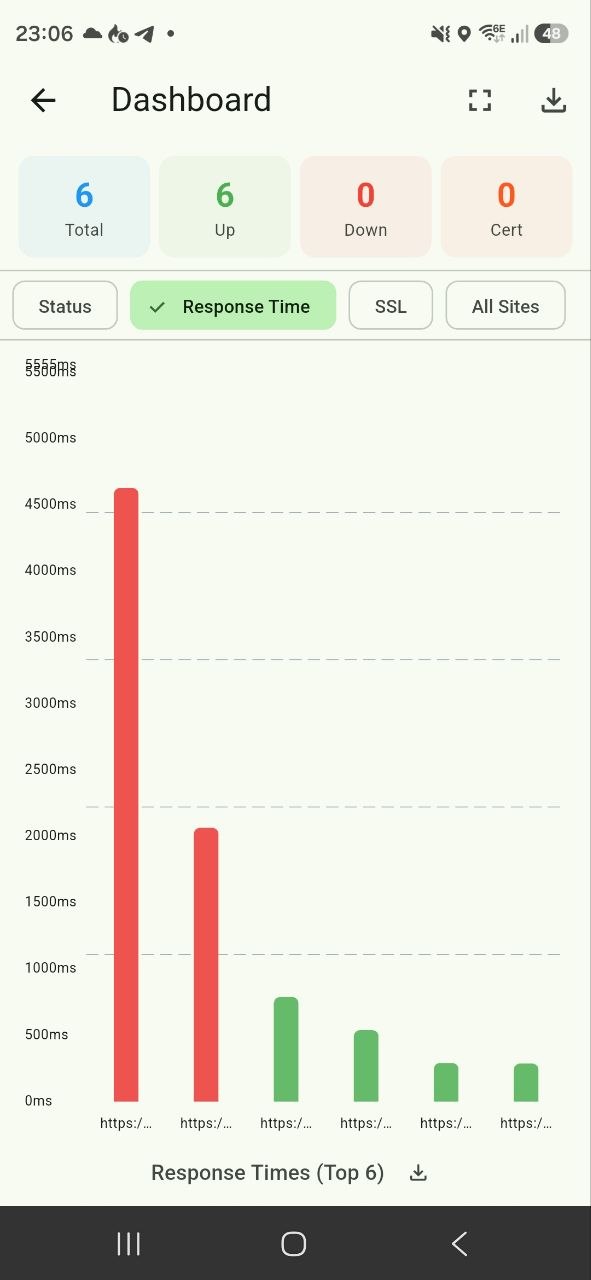
Dashboard Overview
KPI cards, status indicators, and quick actions at a glance
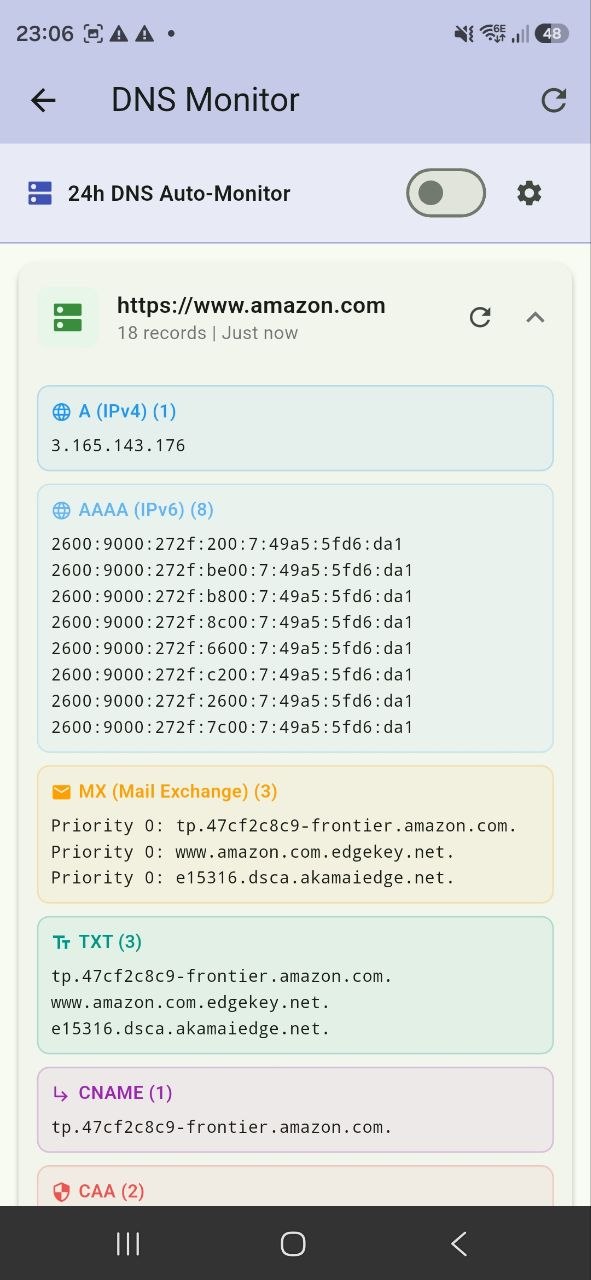
DNS Monitor
Per-domain DNS record viewer with propagation checking
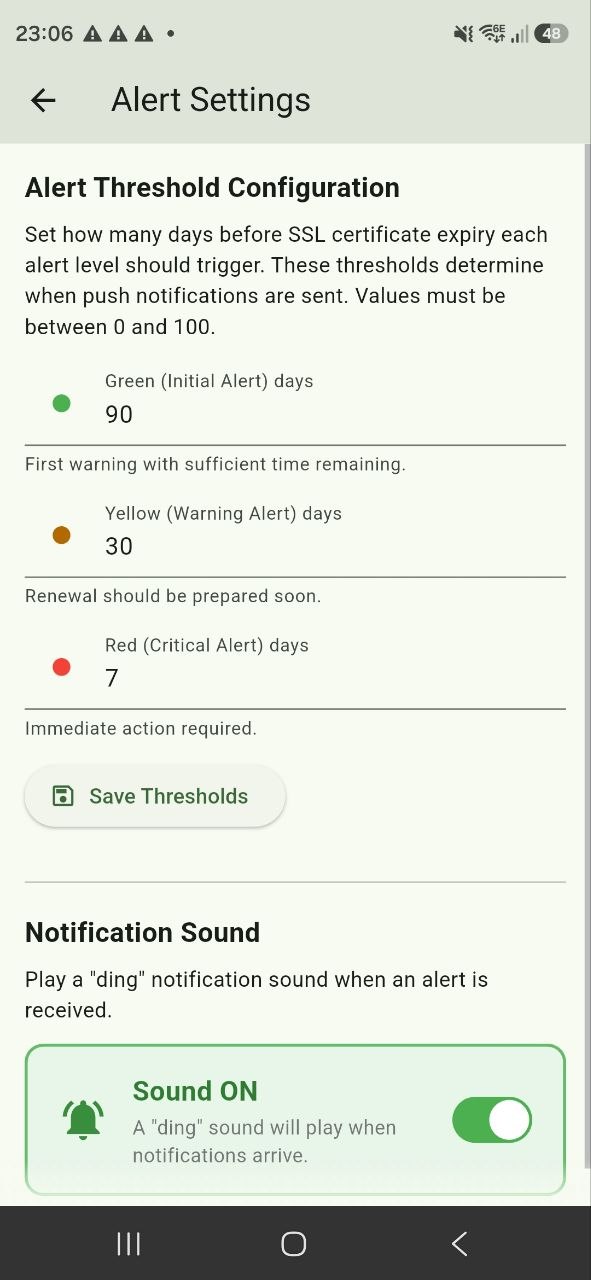
Alert Settings
Configure SSL thresholds and the alert notification sound
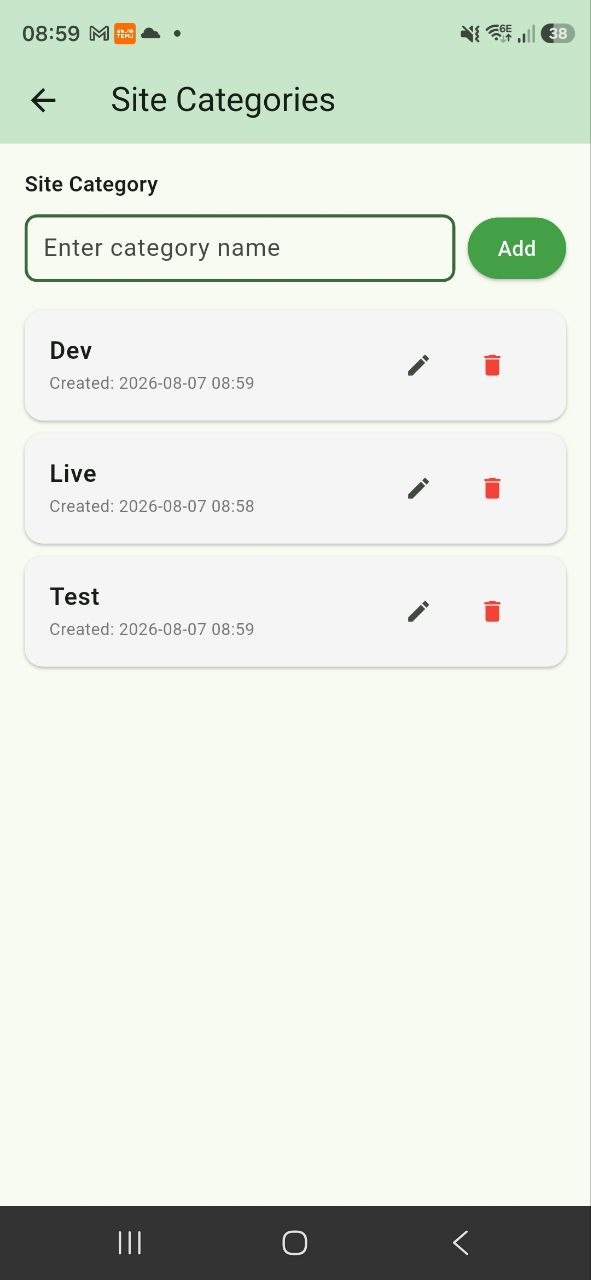
Site Categories
Organize sites into custom categories
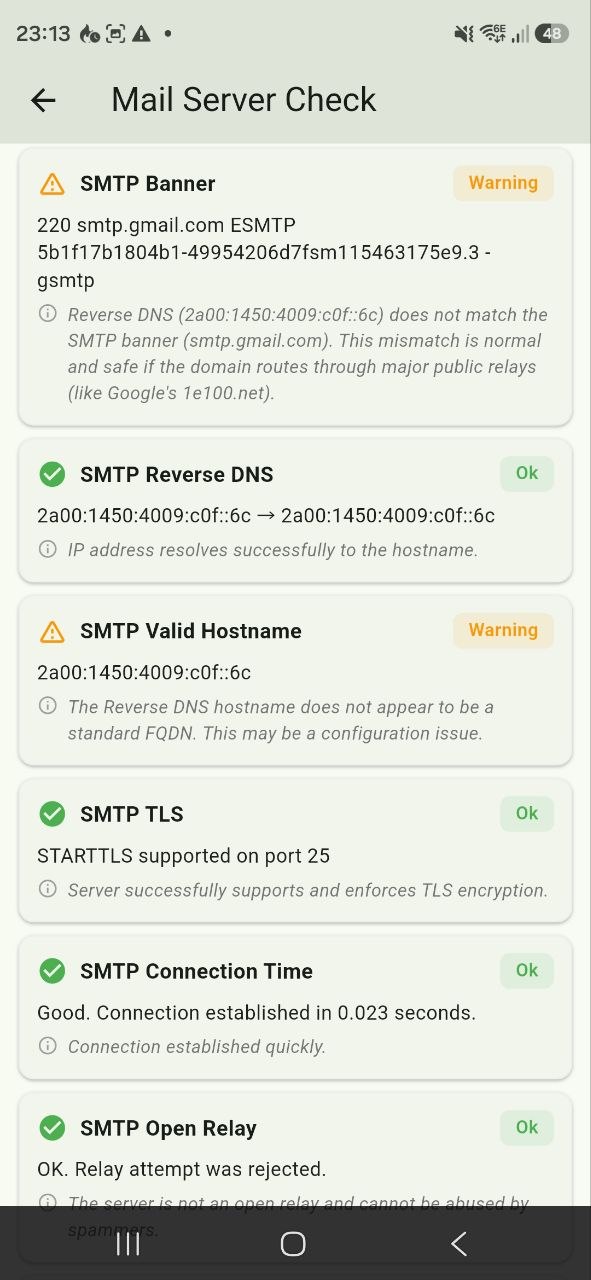
Mail Server Check
SMTP server diagnostics with reverse DNS and TLS checks
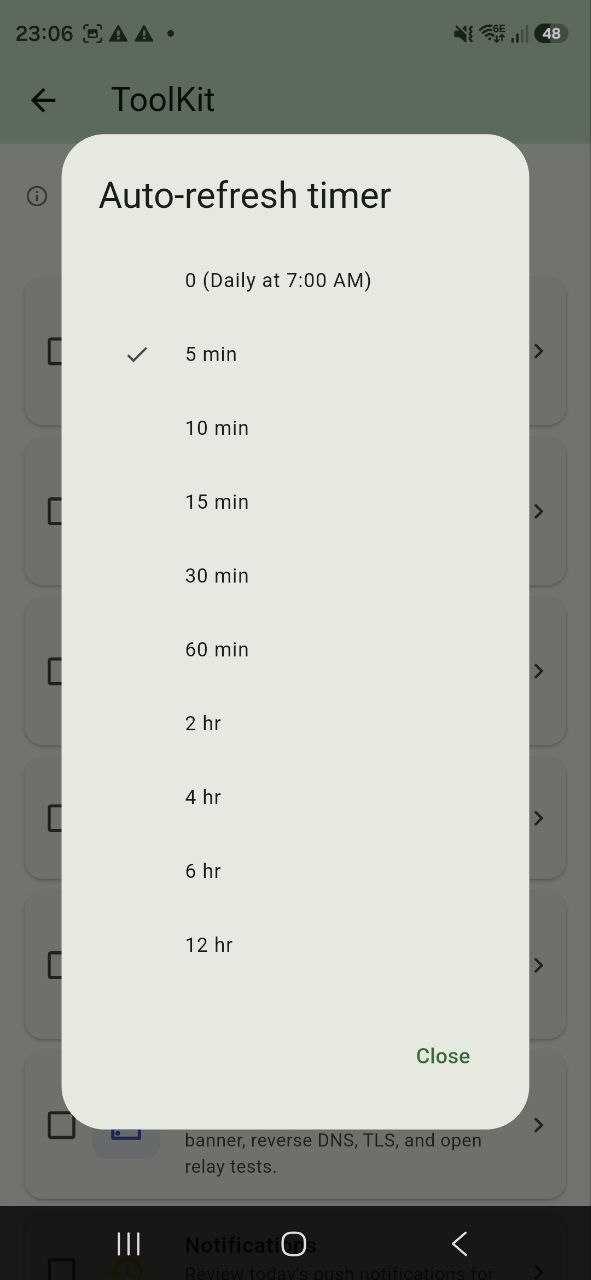
Timer Scheduler
Configurable auto-refresh timer for background checks
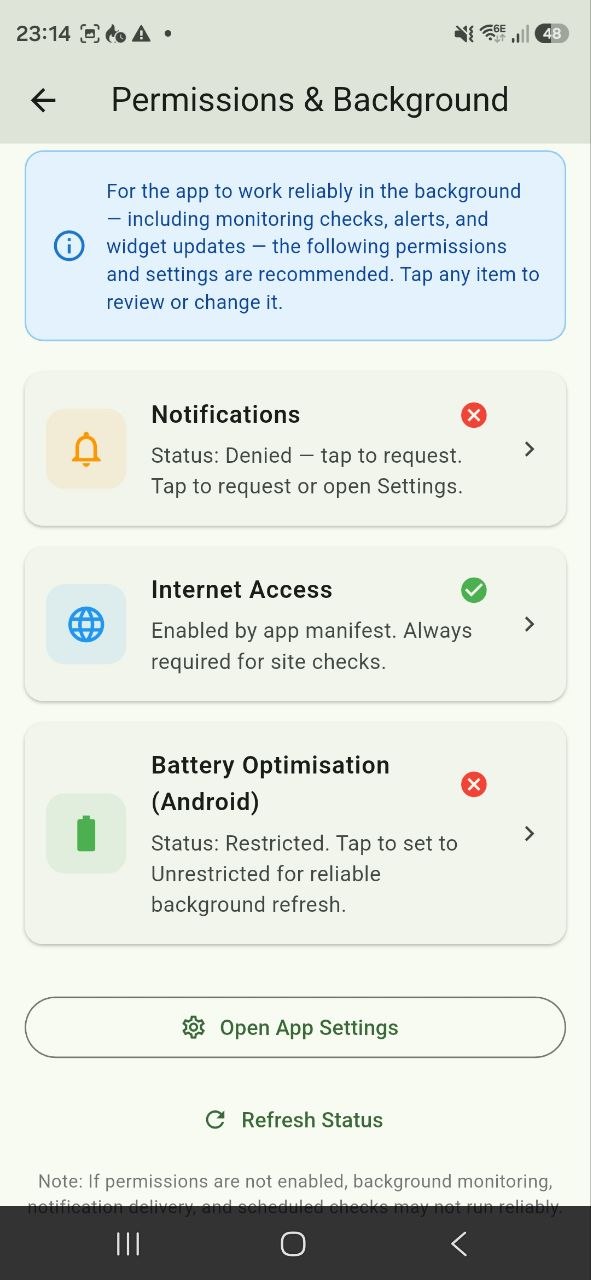
Permissions & Background
Full permissions checklist with tap-to-open-settings
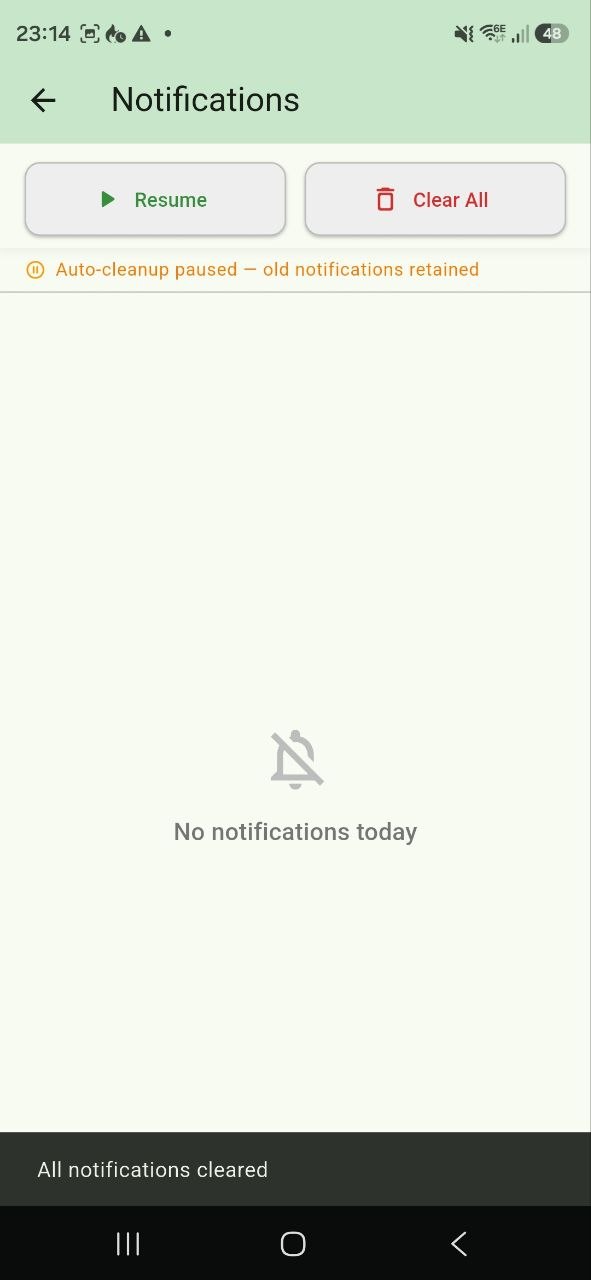
24h Notifications
Schedule when alerts can fire throughout the day
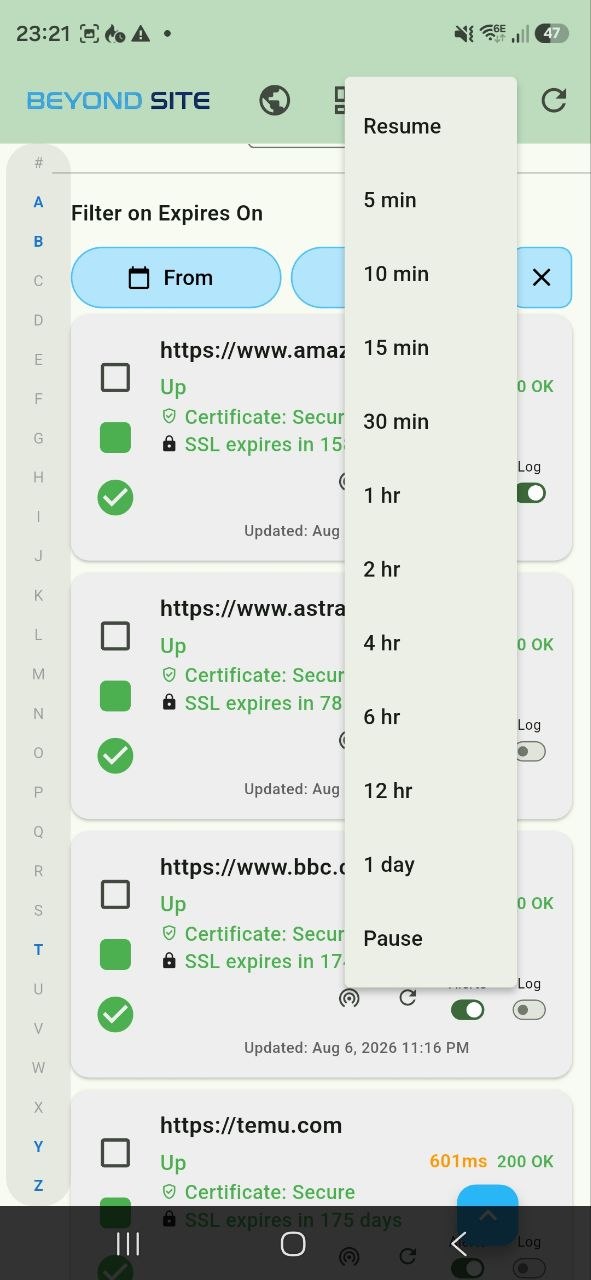
Scheduled Downtime
Pause monitoring with timer-based automatic resume
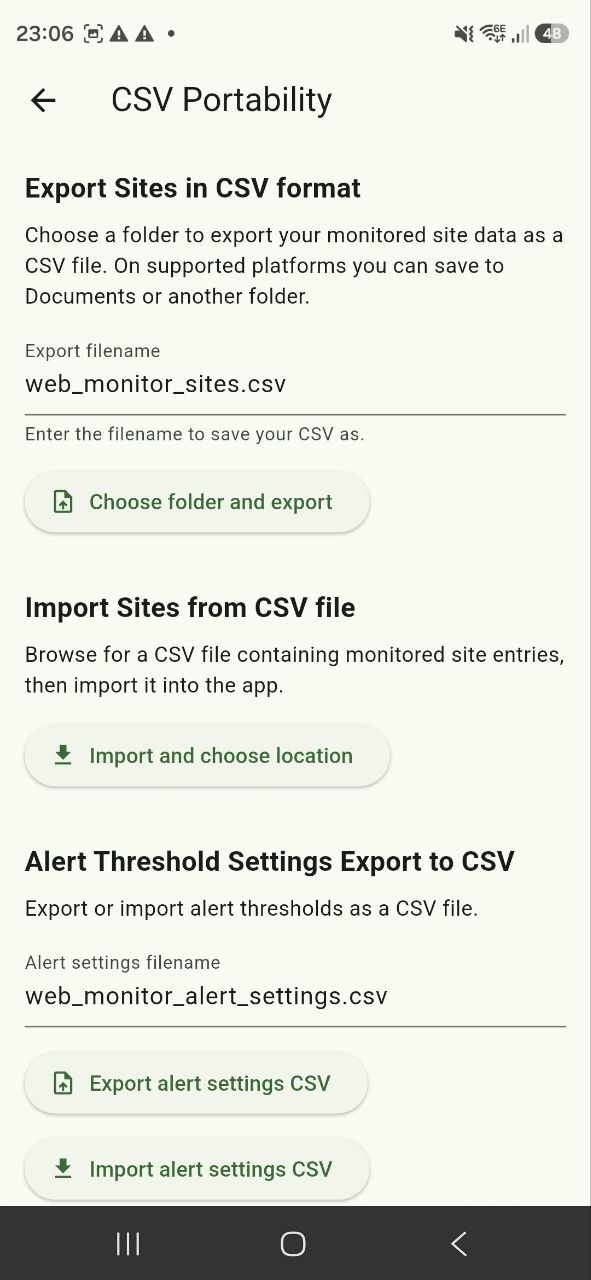
CSV Export
Export sites and alert settings as CSV